




80 MiniMax H3 Video Effects — A Motion-Effects Catalog with Real Generated Videos
Drawing on production notes from Virtual Department, this article brings together 80 MiniMax H3 effects in one place. Compare transformations, fluids, camera work, visual styles, and animation effects through Japanese descriptions and 80 corresponding generated videos.
Based on notes and attached videos saved in Virtual Department’s “MinimaxH3 50 Effects Video,” this catalog brings together 80 effects created with MiniMax H3. You can compare them in numerical order, from shape changes, water, and smoke to camera work, style shifts, and animated action.
The folder is still called “50 Effects,” but this article includes 01–80: the original 50 plus 30 additional examples. The 00 opening and combined version are not included in the count.
How to Use This Catalog
Each entry includes an “English title / Japanese category,” a description of the effect, and the video actually generated for that entry. The descriptions reflect the creative intent expressed in the saved prompt notes; they are not an assessment that every video achieved every instruction perfectly. Compare the intended result with the actual output as well.
The videos were designed around a roughly 15-second structure: a flat title card at the beginning, development of the main effect, and a still ending. Because they include music and sound effects, it is easier to compare them if you begin playback at a low volume. Some examples contain flashing or strong changes in brightness.
The first 50 videos are demos developed from the reference notes, 51–70 are additional experimental effects, and 71–80 are additional animation-focused examples. The embedded clips are the corresponding generated videos, not the original works by others featured in the references.
What’s Included
- 01–10: Transformations, particles, and forces of nature
- 11–19: Landscapes, fluids, and physical motion
- 20–30: Graphics and scene transitions
- 31–39: Camera, composition, and transparency
- 40–50: Visual styles, replacement, and character expression
- 51–60: Time, repetition, and video distortion
- 61–70: Print, optics, and material experiments
- 71–80: Animation movement and effects
01–10: Transformations, Particles, and Forces of Nature
01 SHAPE MORPH|Shape Morphing
A continuous transformation from a red sphere to a horse sculpture and then a car, while preserving the surface color. Look not only at the switching moments, but also at whether the intermediate transformation appears connected.
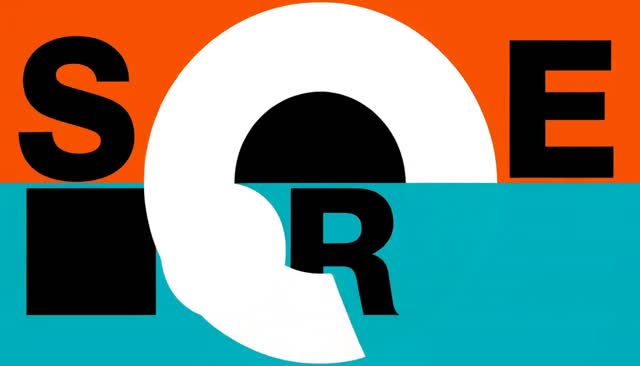
Open the 01 SHAPE MORPH video directly
02 WARDROBE SWITCH|Wardrobe Change
An effect that changes a dancer’s outfit from a blue suit to magenta clothing while maintaining the movement. It is designed to preserve the body pose and face while concentrating the change on the outfit.

Open the 02 WARDROBE SWITCH video directly
03 ERA SHIFT|Era Shift
The composition of the subject remains fixed while the clothing, urban details, and image texture move from the present day into a 1950s-style monochrome world. The idea is to convey movement through time while retaining continuity of place.
Open the 03 ERA SHIFT video directly
04 PETAL BLOOM|Petal Bloom
The hem of a dress opens outward in a radial pattern and transforms into a large flower. The effect aims to contrast the stability of the face and torso with the outward-spreading movement of the fabric.
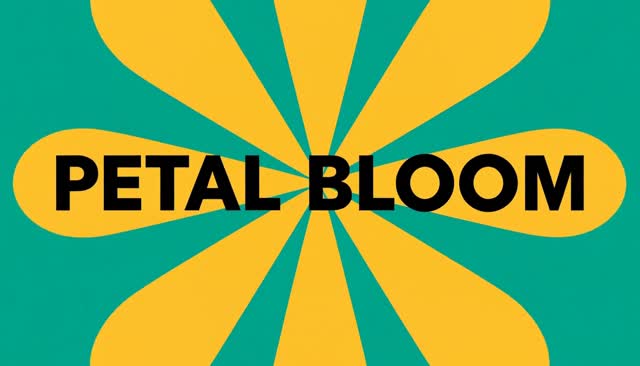
Open the 04 PETAL BLOOM video directly
05 LIQUID MORPH|Liquid Morphing
The flesh of a dragon fruit becomes a magenta liquid ribbon and flows into a glass. Rotation and flow make the transition from solid to liquid appear continuous.

Open the 05 LIQUID MORPH video directly
06 PARTICLE ASSEMBLY|Particle Assembly
A large number of cyan particles gather to form the silhouette of a hummingbird. The relationship between the particles’ direction of movement and the completed outline is the main point of interest.
Open the 06 PARTICLE ASSEMBLY video directly
07 SMOKE REVEAL|Smoke Reveal
Dense purple smoke unravels to reveal the outline of a perfume bottle. Rather than simply adding smoke, the composition clears it enough at the end for the product to be recognizable.

Open the 07 SMOKE REVEAL video directly
08 FIRE BREATH|Fire Breath
A green dragon breathes fire once, showing the flames from emission through expansion and dissipation. The source, flow, and fading of the fire are designed as a single action.
Open the 08 FIRE BREATH video directly
09 BLAST WAVE|Blast Wave and Shockwave
An explosion and a ring of dust spread from a small sci-fi device in the desert. It is easier to compare when you separate the trajectories of flying debris from the motion of the wave traveling along the ground.
Open the 09 BLAST WAVE video directly
10 STORM MAGIC|Storm and Lightning Magic
A person’s hand movement gathers clouds and connects the sky with floating rocks through lightning. The design shows a cause-and-effect relationship between the person in control and the natural phenomenon.

Open the 10 STORM MAGIC video directly
11–19: Landscapes, Fluids, and Physical Motion
11 SEASON CYCLE|Continuous Seasonal Change
The same tree and path remain in place as the scene shifts through spring blossoms, summer greenery, autumn leaves, and winter snow. The key is retaining visual reference points as the seasons change.
Open the 11 SEASON CYCLE video directly
12 FOG CLEAR|Clearing-Fog Reveal
Fog covering a lake drifts away, revealing mountains and reflections on the water. As the hidden depth comes into view, the landscape itself becomes the protagonist.

Open the 12 FOG CLEAR video directly
13 SPLASH HALO|Water-Splash Ring
A ring of water rises around a person, hovers as droplets, then falls. The composition contrasts a still subject with complex water motion.
Open the 13 SPLASH HALO video directly
14 VISCOUS STRETCH|Viscous Stretch
When a confection is pulled apart, the chocolate between its halves stretches, thins, and folds softly. This illustrates stickiness and tension rather than the flow of a liquid.

Open the 14 VISCOUS STRETCH video directly
15 SILK FLOW|Flowing Silk
A translucent red cloth is lifted, rippled, and draped along a pedestal. Notice its transparency, folds, and contact with the object.

Open the 15 SILK FLOW video directly
16 WIND DETAIL|Wind-Driven Detail
A nearly still portrait gains moving hair, a swaying scarf, and subtle blinks. Rather than a major transformation, small movements give the frame a sense of life.

Open the 16 WIND DETAIL video directly
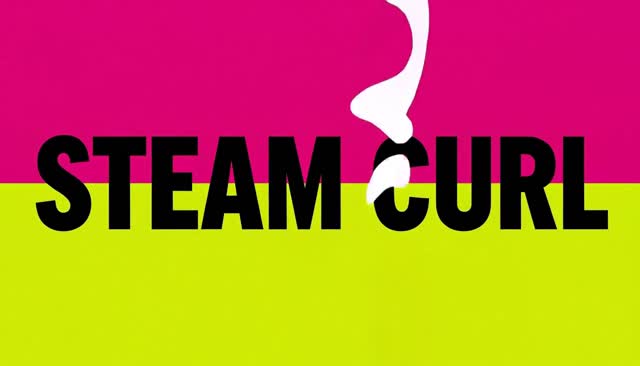
17 STEAM CURL|Curling Steam
Steam rising from a warm bowl splits into thin streams, merges, and disappears. The effect communicates the warmth of food through motion without a fixed shape.
Open the 17 STEAM CURL video directly
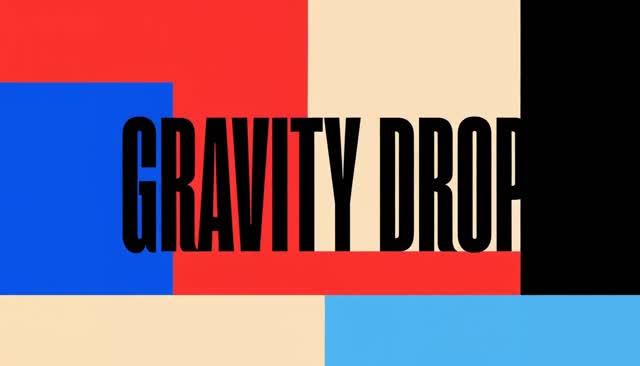
18 GRAVITY DROP|Gravity Drop
Three differently colored objects are dropped in sequence, showing them until they collide and settle. The key observations are falling, bouncing, and coming to rest in ways that suggest different weights.
Open the 18 GRAVITY DROP video directly
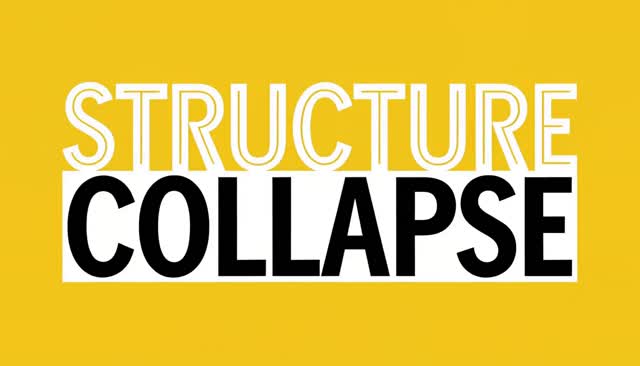
19 STRUCTURE COLLAPSE|Structural Collapse
A central stone is removed from a masonry arch, causing it to collapse in a chain reaction. The aim is not merely to scatter fragments, but to show destruction resulting from the loss of support.
Open the 19 STRUCTURE COLLAPSE video directly
20–30: Graphics and Scene Transitions
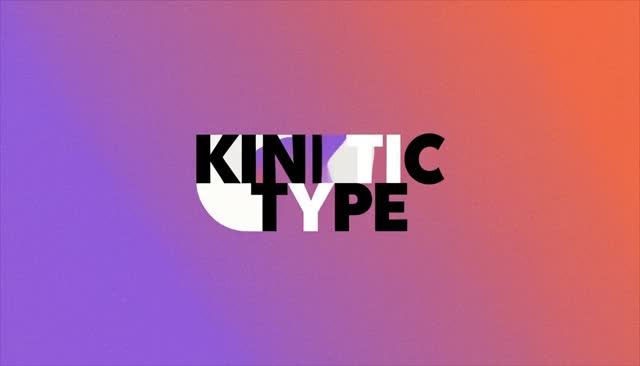
20 KINETIC TYPE|Kinetic Typography
Text, bars, and circles move and scale across a flat plane, appearing and disappearing through masks. The aim is to use placement and scale as moving material while keeping the text legible.
Open the 20 KINETIC TYPE video directly
21 BEAT PULSE|Beat-Synced Pulse
An abstract music visual in which circles squash and rebound while thick bars expand and contract. This example is meant to highlight the relationship between the peaks of motion and musical accents.

Open the 21 BEAT PULSE video directly
22 SCAN REVEAL|Scan Reveal
A horizontal light passes from the top to the bottom of a robot, switching it from a line-based outline to a colored surface. The effect separates the states on either side of the scanning line.

Open the 22 SCAN REVEAL video directly
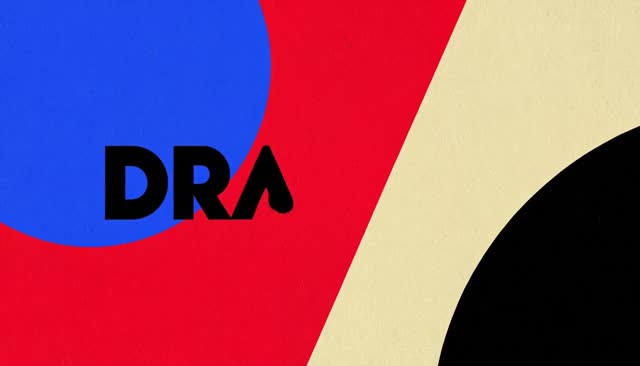
23 DRAW ON|Line Drawing Comes to Life
The outline of a bicycle and rider is drawn on white paper, color fills in, and the completed image begins to ride. Drawing and animation are linked into one continuous flow.
Open the 23 DRAW ON video directly
24 PIXEL POP|Pixel-Art Transformation
A walking person is transformed into pixel art by a moving grid, which leads into a retro-game-like space. The design preserves the continuity of the walk even as the visual medium changes.

Open the 24 PIXEL POP video directly
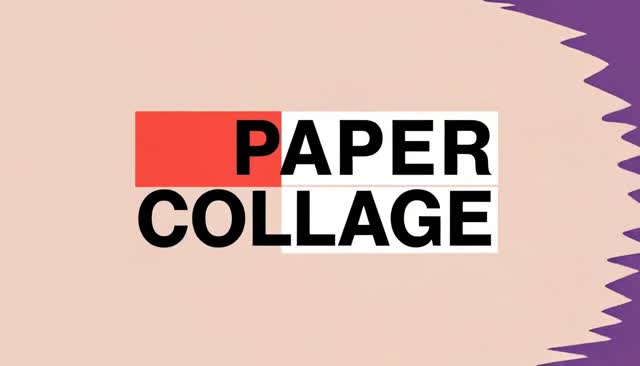
25 PAPER COLLAGE|Paper Collage
Cutout faces, colored paper, and geometric shapes are rearranged into a composition like a moving magazine spread. The focus is on the paper layers and the placement of the focal subject in the frame.
Open the 25 PAPER COLLAGE video directly
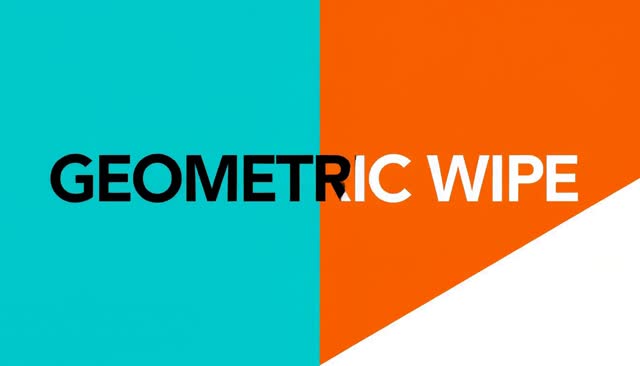
26 GEOMETRIC WIPE|Geometric Wipe
Circular, diagonal, and rectangular masks change the background surrounding a product. Keeping the product centered makes different sets appear in sequence.
Open the 26 GEOMETRIC WIPE video directly
27 CAMERA MATCH|Shape-Matched Cut
A circular window, bicycle wheel, and sun are connected through their on-screen position and size. It is a transition idea that matches form and direction even when the subjects differ.

Open the 27 CAMERA MATCH video directly
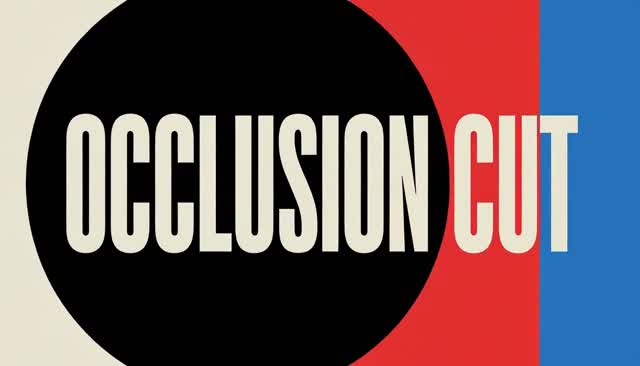
28 OCCLUSION CUT|Occlusion Transition
A person disappears behind a red pillar, then reappears with changed makeup and surroundings. The moment out of sight becomes the point of transition.
Open the 28 OCCLUSION CUT video directly
29 LOCATION SWITCH|Location Switch
A person keeps walking while umbrella-based occlusion moves the scene from a city to a greenhouse and then a garden. The consistency of the moving subject becomes the glue between locations.
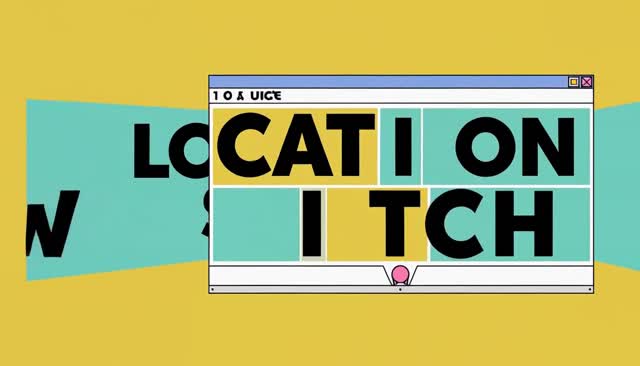
Open the 29 LOCATION SWITCH video directly
30 HERO FREEZE|Hero-Pose Freeze
A walking person stops in a strong pose while only trails of color around them continue to move. The contrast between the still protagonist and the active background focuses attention.
Open the 30 HERO FREEZE video directly
31–39: Camera, Composition, and Transparency
31 BULLET TIME|Bullet Time
The time of a jumping person and water droplets is nearly frozen while the camera moves sideways around them. Unlike ordinary slow motion, this effect emphasizes movement of the viewpoint.

Open the 31 BULLET TIME video directly
32 ORBIT REVEAL|Orbit Reveal
The camera circles a car from a low angle, showing its front, side, and rear. Watch whether the shape of the vehicle and its relationship to the studio remain consistent as the camera moves around it.

Open the 32 ORBIT REVEAL video directly
33 SPIRAL ASCENT|Spiral Ascent
The camera rises in a spiral around a lighthouse, revealing upper levels and the beacon in sequence. It combines height and orbiting motion to convey the scale of the architecture.
Open the 33 SPIRAL ASCENT video directly
34 DRONE DIVE|Drone-Style Dive
The camera descends smoothly from above a canyon, passes through a natural arch, and approaches a river. The goal is a single camera move spanning a large change in elevation.
Open the 34 DRONE DIVE video directly
35 MACRO RUSH|Pulling Back from Macro
The camera pulls back from an extreme close-up of orange peel to reveal the whole fruit and table. The effect uses the surprise of recognition shifting from detail to the whole.

Open the 35 MACRO RUSH video directly
36 HANDHELD HEAT|Handheld Feel and Sunset Shift
The camera follows a person walking through the city as the light warms toward evening, with slight shake and grain. It combines the tactile feel of handheld footage with a changing time of day.

Open the 36 HANDHELD HEAT video directly
37 FOCUS SHIFT|Focus Pull
Focus moves from water droplets on foreground glass to a red flower in the distance, then back to the foreground. It is a way to redirect attention without changing shots.

Open the 37 FOCUS SHIFT video directly
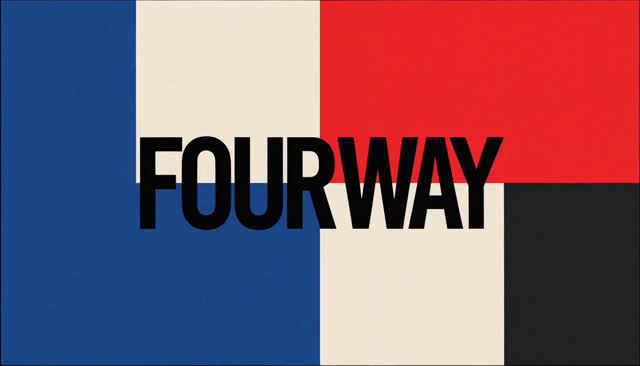
38 FOUR WAY|Four-Way Split Screen
A screen layout that shows the same car simultaneously from four viewpoints. In addition to the differences between panels, the timing of the movement across them is a point of interest.
Open the 38 FOUR WAY video directly
39 XRAY PASS|X-Ray-Style Transparency Scan
Only the area inside a band crossing the car body becomes transparent, revealing the seats and chassis. As the band passes, the exterior returns, creating a visual example of selective internal visibility.

Open the 39 XRAY PASS video directly
40–50: Visual Styles, Replacement, and Character Expression
40 ANIME SHIFT|Live-Action Style to Anime
A graphic wave sweeps across a running person and city, shifting the image into outlines and cel shading. The visual style changes while the action continues.

Open the 40 ANIME SHIFT video directly
41 RUBBER HOSE|Rubber Hose Animation
An original 1930s-style character moves with bouncy, flexible limbs. The expression prioritizes the rhythm of curves and stretching over realistic joints.
Open the 41 RUBBER HOSE video directly
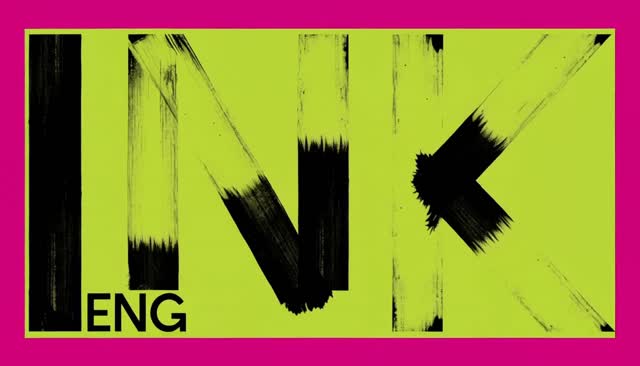
42 INK ENGRAVING|Engraving-Style Line Animation
Plants and birds are rendered in fine hatching as leaves open and a bird takes off from a branch. The aim is to preserve the texture of printed lines even while the image moves.
Open the 42 INK ENGRAVING video directly
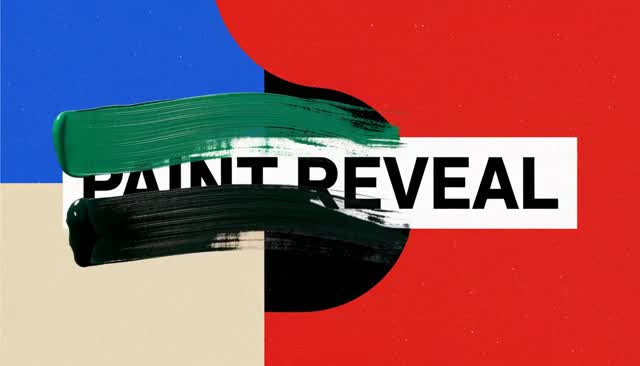
43 PAINT REVEAL|Painting Becomes Video
Brushstrokes appear on a white canvas to form a landscape painting, then its river and trees begin to move. It connects the process of making a painting to time within the painting.
Open the 43 PAINT REVEAL video directly
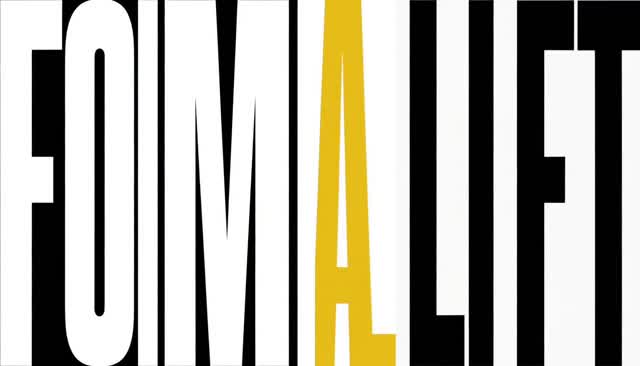
44 FORM LIFT|Flat to Three-Dimensional
A blue chair drawn on a poster gains thickness and transforms into a three-dimensional chair. Its outline and color serve as cues for a sense of shifting dimensions.
Open the 44 FORM LIFT video directly
45 OBJECT SWAP|Object Replacement
A rolling red apple becomes a red toy ball behind an occluder. It is a visual example that matches size, trajectory, and contact with the hand—not a demonstration of an editing application's replacement feature.

Open the 45 OBJECT SWAP video directly
46 BACKGROUND SWAP|Background Replacement
A central subject remains while a vertical boundary moves across the frame, changing a studio into a tropical garden. This makes it possible to observe the subject’s outline separately from the changing background.

Open the 46 BACKGROUND SWAP video directly
47 EXPRESSION FLOW|Continuous Expression Change
A front-facing portrait moves from a neutral expression to a small smile and then a one-eye wink. It avoids exaggerated deformation while preserving facial shape and lighting.
Open the 47 EXPRESSION FLOW video directly
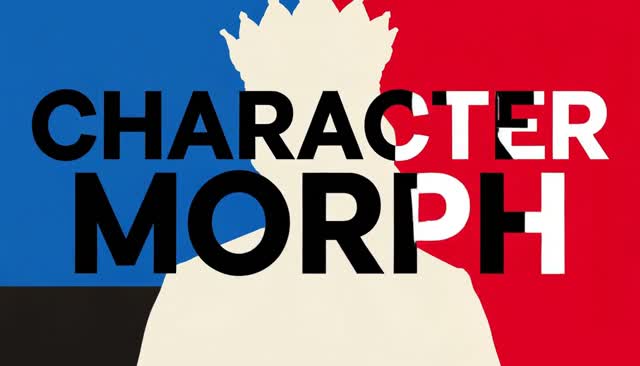
48 CHARACTER MORPH|Character Morphing
A royal-looking figure gradually changes into another form through shifts in face and costume. The composition remains stable, placing the changing identity at the center of the frame.
Open the 48 CHARACTER MORPH video directly
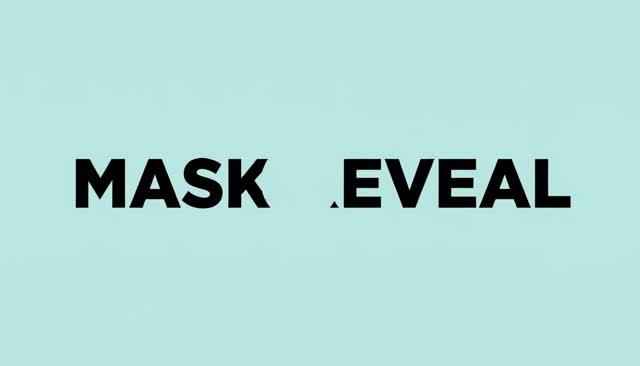
49 MASK REVEAL|Region-Mask Transformation
Only the area inside a freeform boundary changes a flower into a paper sculpture. This is generated footage that imagines replacing a selected region, not a record of an actual inpainting operation.
Open the 49 MASK REVEAL video directly
50 IMPACT SYNC|Landing and Graphics Sync
Each time a can lands on a pedestal, rings and fields of color appear and the product bounces back. The object’s impact and the graphics’ response are constructed as one accent.

Open the 50 IMPACT SYNC video directly
51–60: Time, Repetition, and Video Distortion
51 TIME SLICE|Time-Offset Slices
A dancer’s spin is divided into vertical bands, each containing a slightly delayed pose. The offsets travel like a wave before resolving into a single figure at the end.

Open the 51 TIME SLICE video directly
52 SLIT SCAN|Slit Scan
A passing bicycle is captured through a narrow scanning region, stretching the portions that pass through into bands. The concept converts scan position and time in motion into on-screen form.

Open the 52 SLIT SCAN video directly
53 DROSTE LOOP|Droste Effect
The painting held by a person repeatedly contains the same person and painting. Moving into the nested images expresses repetition extending into depth.
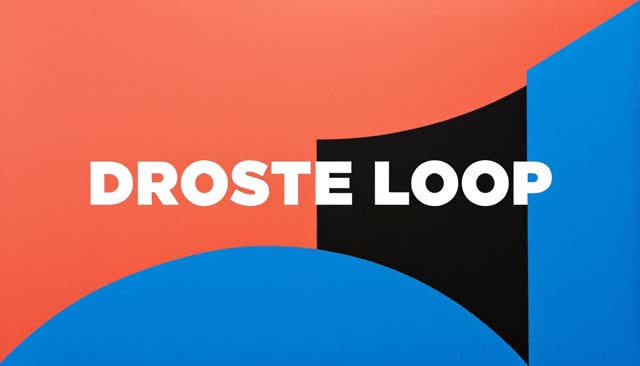
Open the 53 DROSTE LOOP video directly
54 KALEIDO TURN|Kaleidoscope Rotation
A glass flower is reflected across six mirrored sections, creating rotating symmetrical patterns. At the end, the divisions dissolve back into a single flower.

Open the 54 KALEIDO TURN video directly
55 MIRROR DELAY|Mirror-Image Delay
After a person raises their hand, the image in the mirror performs the same movement with a delay. The positions of the person and mirror remain fixed, creating unease through time offset alone.

Open the 55 MIRROR DELAY video directly
56 SHADOW DETACH|Shadow Separation
A red ceramic bird remains still while only its shadow walks across the tabletop. The shadow returns to its original position at the end, restoring the relationship between light and object.

Open the 56 SHADOW DETACH video directly
57 REVERSE REBUILD|Reverse Reconstruction
Fragments of a shattered blue vase rise and reassemble into the original vase. Dust also returns to the seams, aiming to create the impression that time is flowing backward.
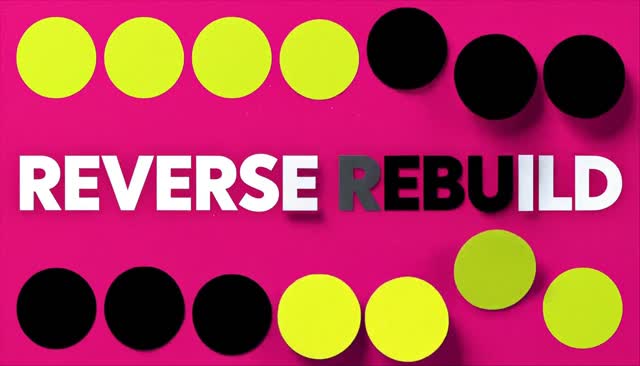
Open the 57 REVERSE REBUILD video directly
58 DOLLY STRETCH|Dolly Zoom
The apparent size of a person is held steady while the depth of the corridor behind them changes dramatically. This camera effect uses the difference in magnification between subject and background.
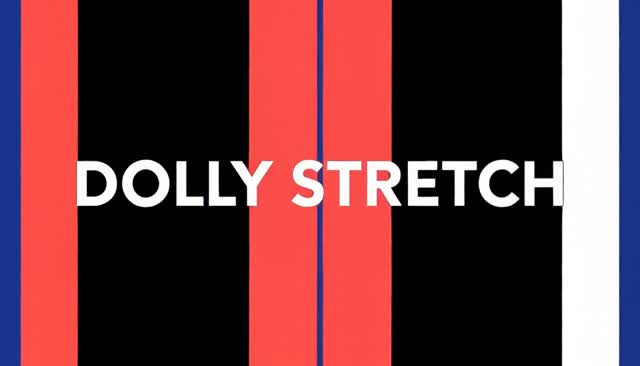
Open the 58 DOLLY STRETCH video directly
59 CHROMATIC DRIFT|RGB Channel Separation
Red, green, and blue images shift apart from the outline of a pair of headphones, then recombine into one. The effect shows separation of color components while preserving the object’s overall form.
Open the 59 CHROMATIC DRIFT video directly
60 DATAMOSH FLOW|Datamosh-Style Transition
The movement of a car driving through a city drags blocks from an old screen into a desert landscape. It imitates the breakdown of compressed video and is not an example for testing actual codec processing.

Open the 60 DATAMOSH FLOW video directly
61–70: Print, Optics, and Material Experiments
61 HALFTONE SWELL|Halftone Expansion
An image of fruit and a bottle becomes large halftone dots, then settles back down in dot size. The effect shifts photo-like surfaces into print expression while retaining object outlines.
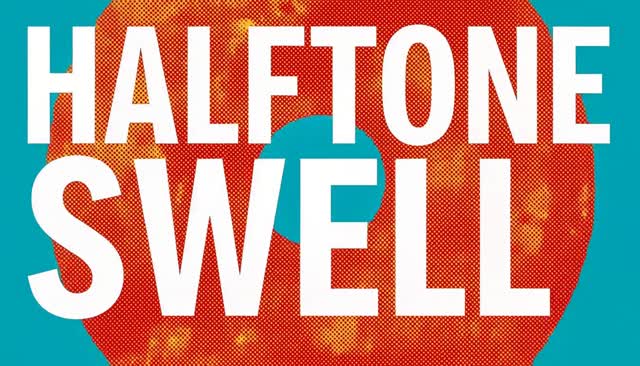
Open the 61 HALFTONE SWELL video directly
62 MOIRE FIELD|Moiré Interference Pattern
Two line grids shift slightly as they move, creating large undulating patterns. At the end, the grids align and return to regular lines.

Open the 62 MOIRE FIELD video directly
63 CAUSTIC DANCE|Shifting Caustics
Water ripples and light passing through a transparent prism create a web of light and shadow on a white surface. The movement of projected light around the object, rather than the object itself, takes center stage.

Open the 63 CAUSTIC DANCE video directly
64 REFRACTION WARP|Refraction-Lens Distortion
A transparent sphere travels across a room, magnifying, inverting, and distorting only what is visible inside it. The contrast with straight lines outside the sphere makes the refraction apparent.
Open the 64 REFRACTION WARP video directly
65 FERRO SPIKES|Ferrofluid Spikes
Regular spikes rise from black liquid, move, and finally return to a smooth puddle. This is an example of shape change that evokes a changing magnetic field.

Open the 65 FERRO SPIKES video directly
66 CRYSTAL FRONT|Crystal Growth
Branching crystals extend from a small purple seed crystal. The composition shows the order of growth, with new faces emerging from existing corners and planes.
Open the 66 CRYSTAL FRONT video directly
67 MAGNETIC RIBBONS|Magnetic Field-Line Ribbons
Thin ribbons floating between two magnetic poles arrange themselves into curves as the poles move. The idea visualizes an invisible field through orderly bands.
Open the 67 MAGNETIC RIBBONS video directly
68 TOPOLOGY FOLD|Continuous Ring Transformation
A ring twists smoothly into a figure-eight sculpture, then returns to its original state. The aim is to show it as one continuous surface without emphasizing cuts or seams.

Open the 68 TOPOLOGY FOLD video directly
69 SHUTTER ECHO|Long-Exposure-Style Light Trail
The current position of a pendulum remains sharp while a history of light accumulates along the arc it has traveled. Once it stops, the oldest trajectories fade away first.
Open the 69 SHUTTER ECHO video directly
70 LENTICULAR FLIP|Lenticular Flip
A poster with narrow vertical strips is viewed from the side, switching between an image of a fish and an image of a bird. It expresses the relationship between viewing angle and image without changing the form of the panel.
Open the 70 LENTICULAR FLIP video directly
71–80: Animation Movement and Effects
71 AFTERIMAGE DASH|Anime Afterimage Dash
Three time-offset poses are left behind a character running across a rooftop. After the character stops, the afterimages catch up and merge into one figure.
Open the 71 AFTERIMAGE DASH video directly
72 SMEAR SNAP|Animation Smear
The poses before and after a strike are kept clear, while the outline stretches dramatically only during the fast motion between them. The effect distinguishes anticipation, instantaneous deformation, and the final pose.

Open the 72 SMEAR SNAP video directly
73 IMPACT INK|Impact Frame
At the instant an energy sphere hits a shield, a brief black-and-white ink-painting-style frame appears. It quickly returns to regular cel animation, emphasizing the force of the strike.
Open the 73 IMPACT INK video directly
74 MAGIC SEAL|Drawing a Magic Circle
Arcs and geometric lines are drawn in sequence, lifting a stone from the magic circle at a character’s feet. Pattern completion, levitation, and convergence are shown as one continuous event.

Open the 74 MAGIC SEAL video directly
75 PANEL BREAK|Breaking Through a Manga Panel
A character running inside a panel leaps over its border into a wide full-color frame. The lines that divide the image become part of the action itself.

Open the 75 PANEL BREAK video directly
76 MECHA UNFOLD|Mecha Armor Deployment
A robot’s shoulders, arms, and stabilizer wings open in a sequence where hinges and slides are readable. The goal is not merely for parts to appear, but for them to move like a mechanism.
Open the 76 MECHA UNFOLD video directly
77 SAKURA TRAIL|Ribbon Trail into Cherry Blossoms
The trailing end of a ribbon swung by a dancer turns into petals, which flow along the same curve. Watch the connection between the ribbon remaining in the dancer’s hand and the petals drifting away.

Open the 77 SAKURA TRAIL video directly
78 AURA CONTOUR|Contour Aura
Two-colored lines spread outward from a character’s outline with a time offset, lifting small stones. The body shape remains intact while the surrounding lines and objects’ response convey power.
Open the 78 AURA CONTOUR video directly
79 SAKUGA ARC|Arcing Energy Slash
A blue crescent-shaped trail is drawn along a practice swing, then dissolves into a short line at the end. The arc links the stance, the swing, and its lingering aftereffect.

Open the 79 SAKUGA ARC video directly
80 CEL PARALLAX|Multilayer Cel-Background Parallax
Nearby poles, the city, and distant mountains seen from a train window move at different speeds. The effect creates a sense of depth through speed differences between flat background layers.
Open the 80 CEL PARALLAX video directly
What to Look for When Comparing
Rather than looking only at the before and after states, watch the connection between them to better understand each effect. For morphs, follow the intermediate outlines; for fluids, the source and how they disappear; for camera movement, the form at the end of the move; and for animation, the anticipation and final pose. Even among videos with motion, the impression changes greatly depending on which elements stay fixed and which ones change.
Source Material and Organization
The source materials are the 01–80 notes and attached videos in “MinimaxH3 50 Effects Video” within Virtual Department. On August 31, 2026, the text of all 80 notes and their corresponding attachment information were checked, and files whose SHA-256 values matched each video were registered on yasue.org. Rather than using attachment links that require a Virtual Department login, this article includes videos that can be played directly from the page.
The text summarizes the intent of the prompts in Japanese. In particular, object replacement, region masks, datamoshing, and similar items are visual demonstrations; they do not show procedures for dedicated editing features or the accuracy of physical simulations.